Race Engineer works on its own. TeamManager connects events, availability, stint plans and the Pitwall with the driver’s local engineer.
Local Race EngineerClosed Alpha · Driver & radioTeamManagerEarly Alpha · Team & eventLeague planning EARLY ALPHAField context from league results
02 / STAY IN THE DRIVING SEAT
Your eyes stay on the track. Your engineer runs on your PC.
A local engineer for the driver. A place to prepare with the team.
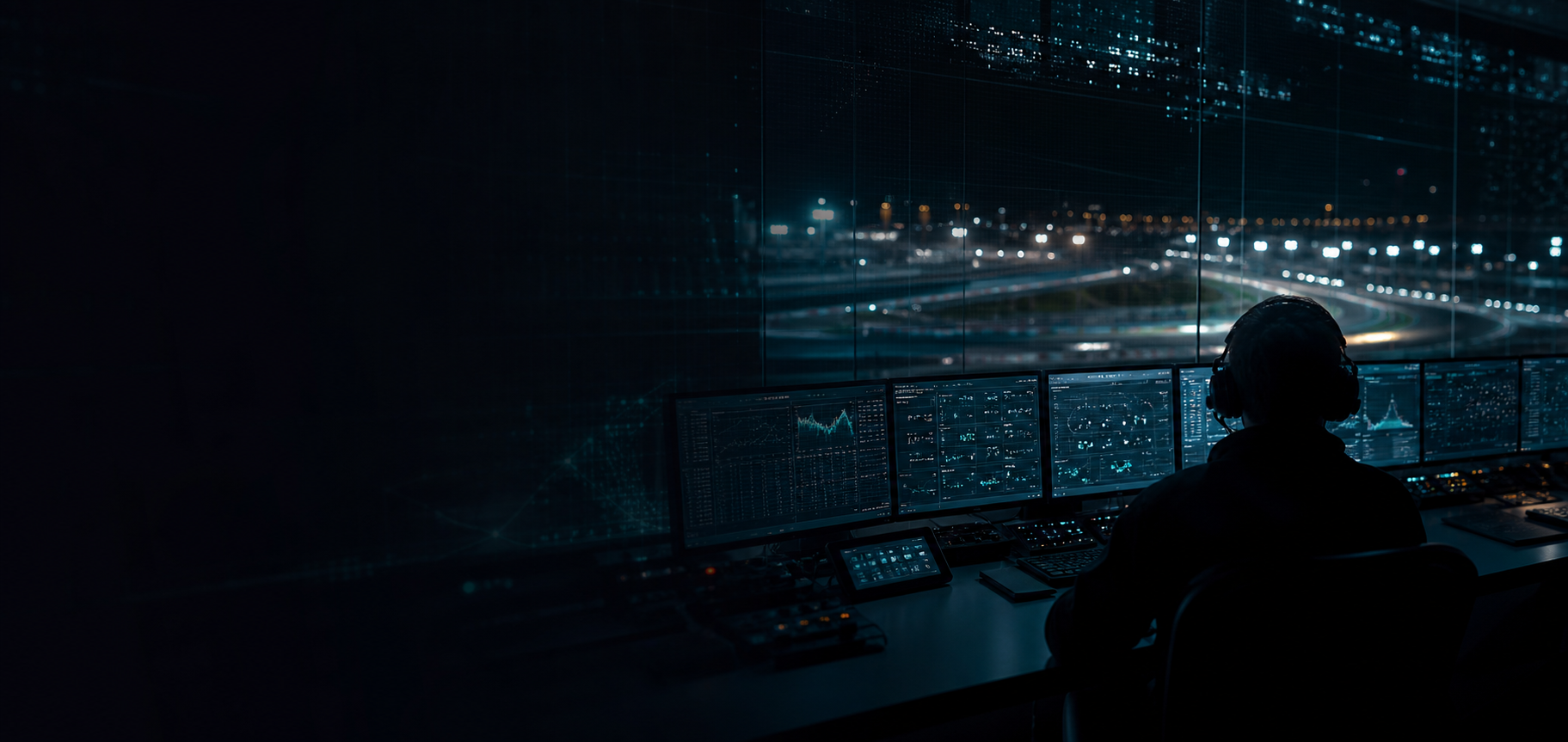
Endurance racing, from preparation to the driving seat. Concept artwork.
03 / YOUR RACE, CONNECTED
Start with the driver. Grow into the team.
Race Engineer starts with the driver. TeamManager is where the team prepares events, plans stints and follows the race on the Pitwall.
CLOSED ALPHA
01 / DRIVER & RADIO
Local Race Engineer
Your questions. Your engineer. Right there with you.
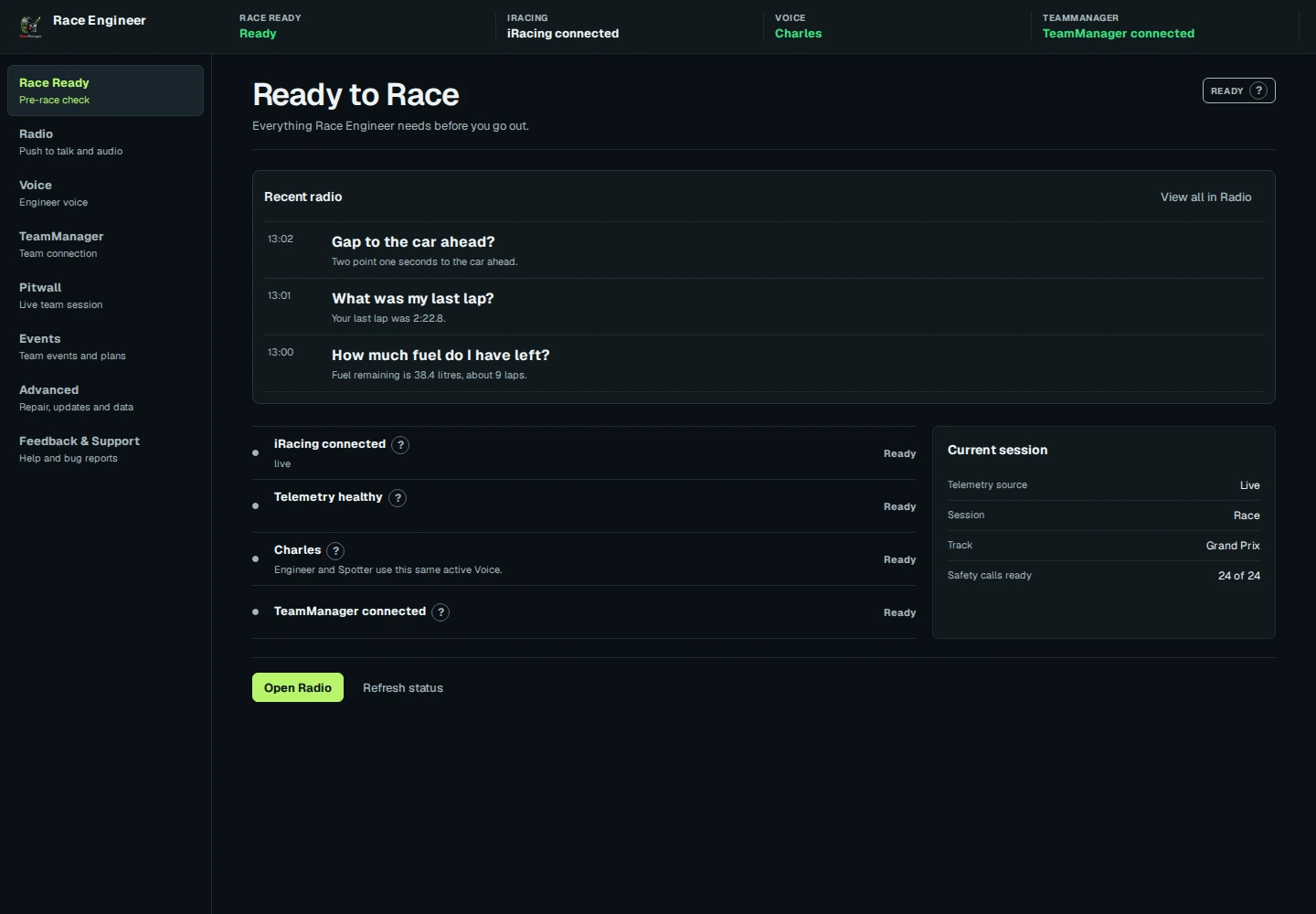
Ask by push-to-talk about fuel, pace, gaps, opponents and pit stops. Hear spotter calls while you focus on the track.
Fuel and pit strategy is built in: how much to save per lap to gain a lap or skip a stop, and when your pit window opens. It is still being tested. Voice Cloning is opt-in.
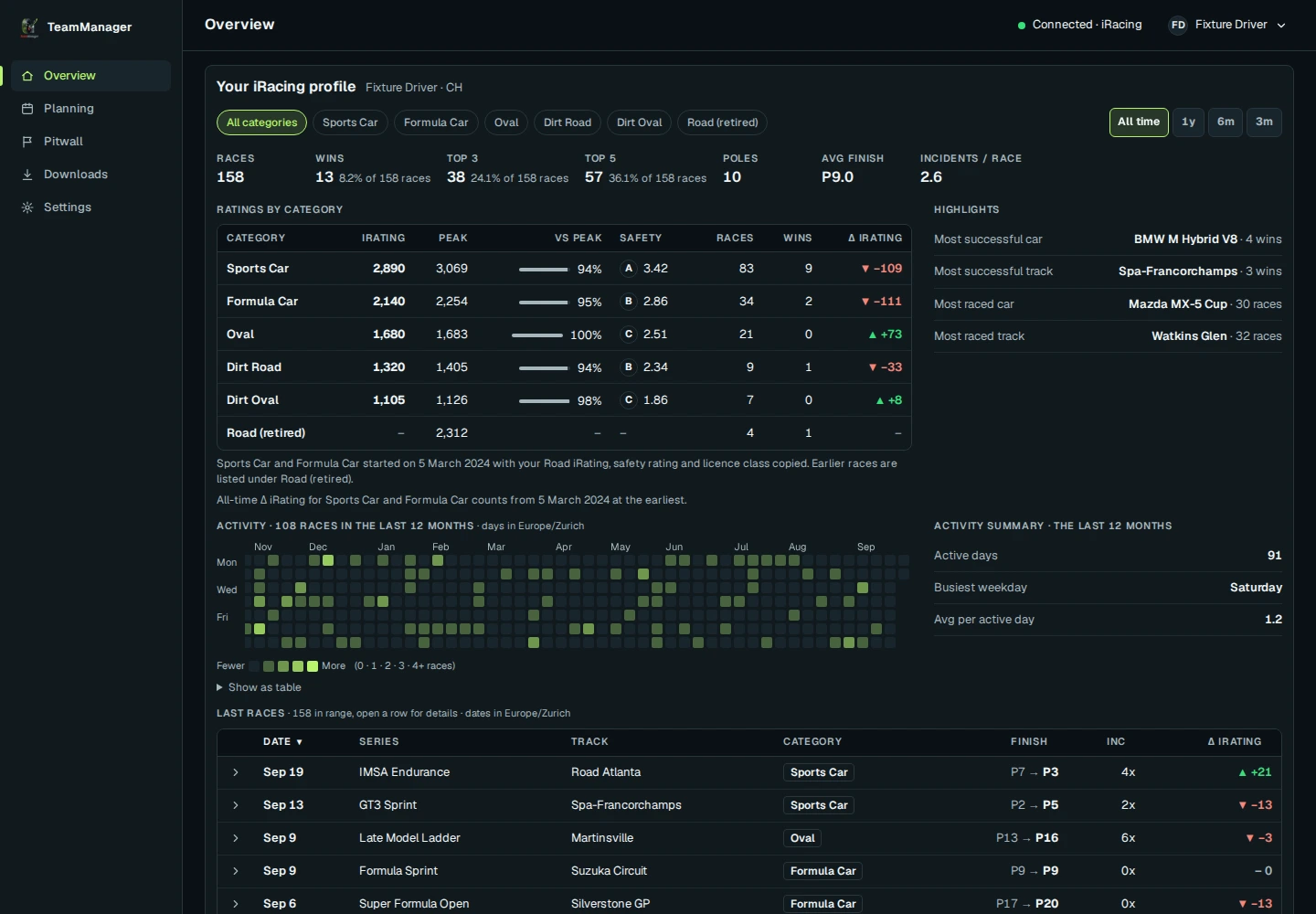
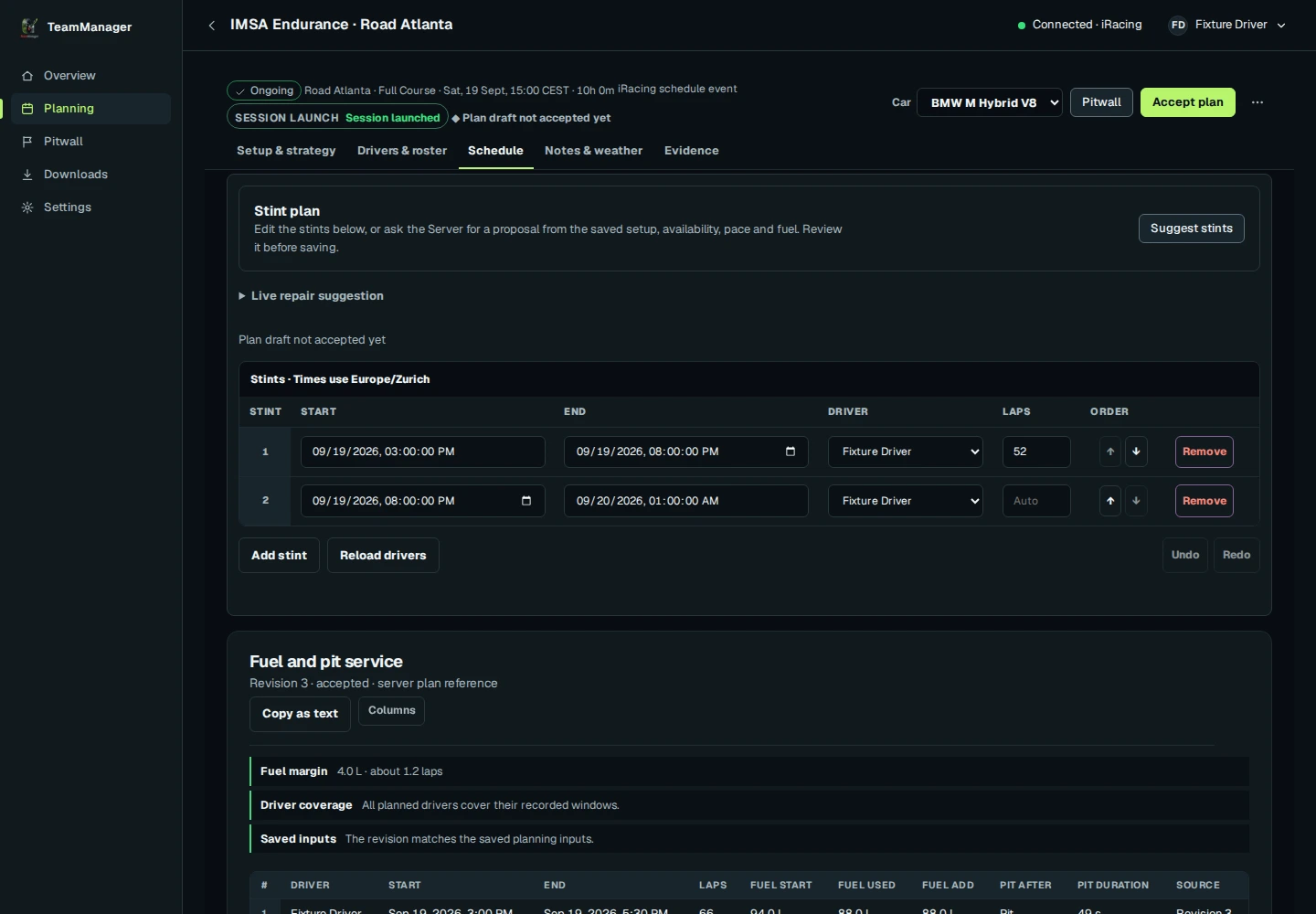
One shared workspace for events, driver availability, stint plans and the Pitwall, connected to the local Race Engineer. Usable today, with rough edges. Your Overview shows your iRacing profile and race history once your account is connected.
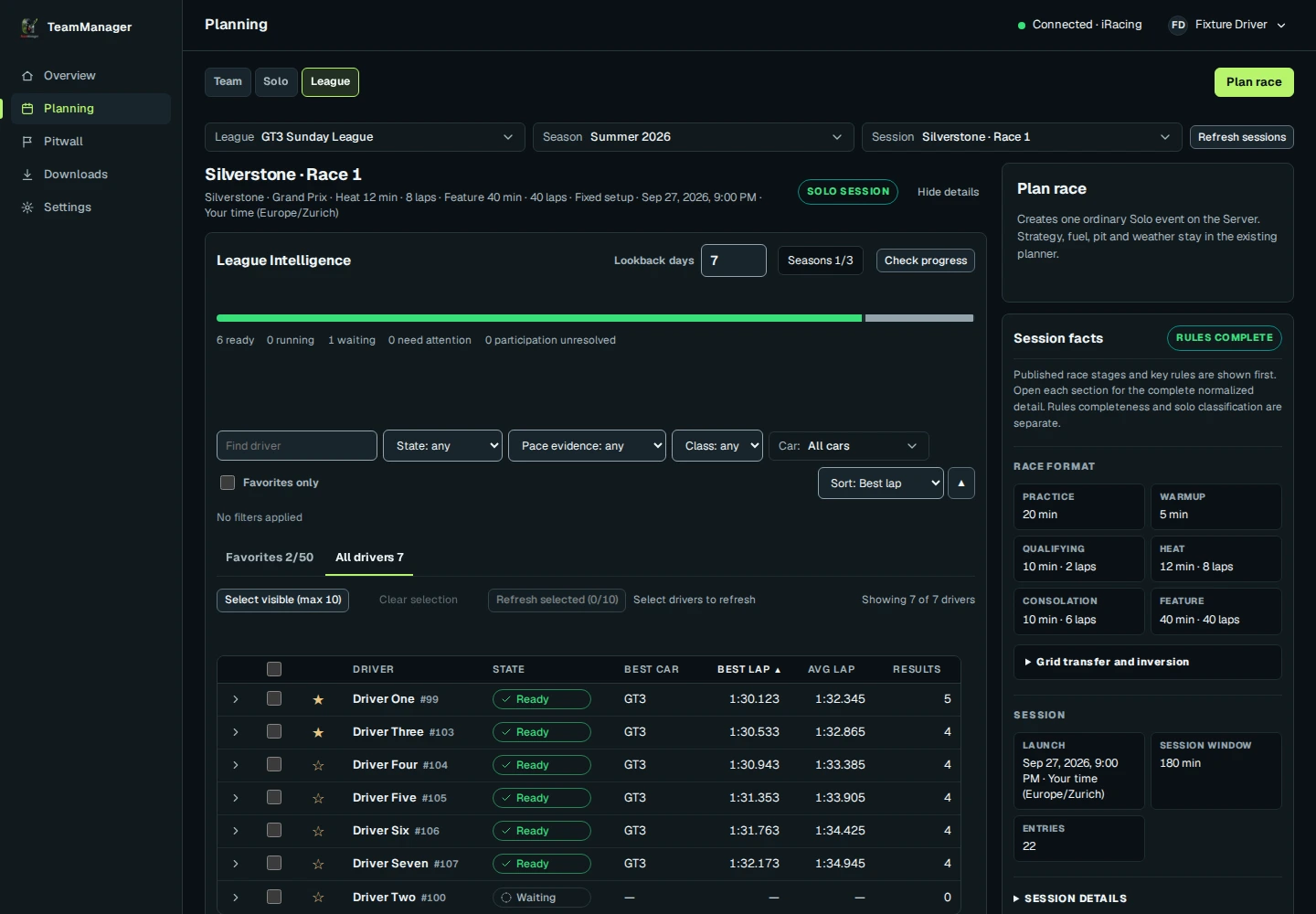
League planning already brings opponent pace from published results into your preparation, so the team can plan with the field in mind.
Next: pit predictions that show where you and your rivals rejoin after a stop, and a race plan that updates as fuel use and conditions change.
LATER
Coaching & Setup Guidance
Post-race coaching and setup guidance to help drivers review their pace. Not in the Alpha yet, and no date.
Opt-in Voice Cloning brings a familiar voice to your Race Engineer. Create a voice profile in the desktop app, then hear your race calls in that voice.
Ask in your own words: Race Engineer understands what you mean, asks back when unsure, and says so when it has no data. See what you can ask.
Charles voice sample. Press play to listen.
VOICE CLONINGPERSONAL / LOCAL
“Your voice. Your race engineer.”
A voice you recognise on the radio.
05 / THE ROAD AHEAD
Built for the long run.
What you can test today, and what comes next. No promised dates.
In Alpha testing
01
Local Race Engineer
Answers about fuel, pace, gaps, opponents and pit stops from your live iRacing data.
02
Push-to-talk questions
Press a wheel button or key and ask. Answers come back over the radio. Testing with real wheels and headsets on Windows is still under way.
03
Ask in your own words
Race Engineer understands what you mean, asks back when unsure, and says so when it has no data. New in Alpha 36.
04
Fuel and pit strategy
How much fuel to save per lap to gain a lap or skip a stop, and when your pit window opens. Built in, still being tested.
05
Spotter calls
Calls for cars alongside, flags, race control and hazards ahead, such as a car off or stopped on track, so your eyes stay on the track.
06
Voice Cloning
Opt-in voice profiles for a familiar engineer on the radio. You record or import your sample on your PC. Final Windows testing is still ahead.
07
Team planning
Events, driver availability and stint plans in one shared workspace, plus an Overview of your iRacing profile and race history once your account is connected. Usable today, with rough edges.
08
TeamManager Relay
A small Windows tray app that sends your live race data to TeamManager so your team can watch it on Pitwall. No voice, no advice, no sim control, and no account needed to install.
09
Pitwall
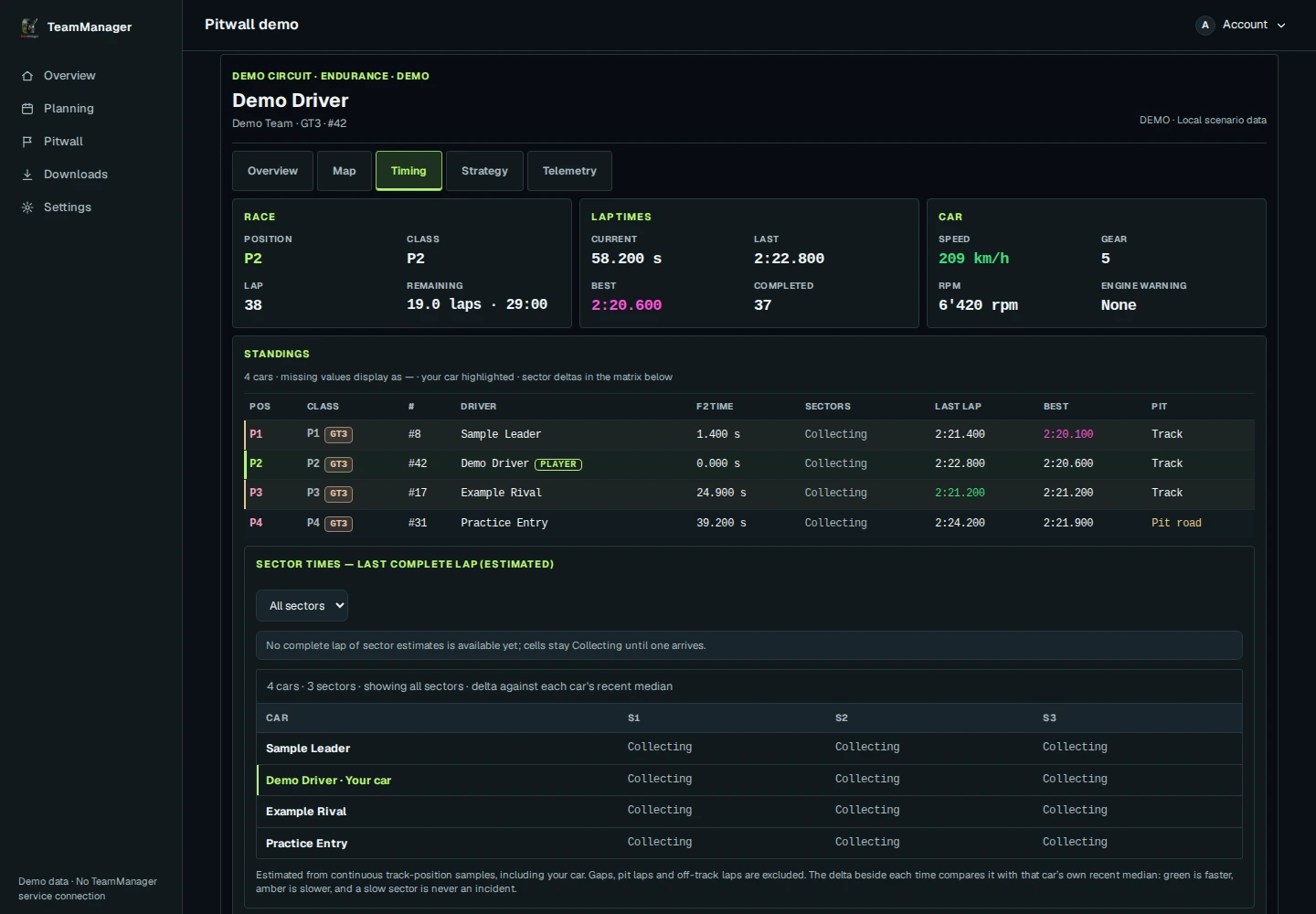
A read-only live view of the race with timing and your car's data. Early Alpha and incomplete: the track map and pit and pace context are still being built.
10
League planning
League sessions and field context from published results, with favorite drivers. Early Alpha.
Coming next
01
Pit predictions
Where you rejoin after a stop, and where your rivals rejoin if they pit now.
02
Plan vs race
See where the race drifts from the plan: stint lengths, fuel and pit stops.
03
Team strategy updates
A live remaining-race forecast is available in early form. Next: fuel and pit numbers from the car keep the shared plan up to date as the race changes.
04
Weather in the plan
Weather and track-temperature trends inside the race plan.
05
Strategy options
Build and compare strategy options before the race.
06 / BEFORE LIGHTS OUT
Before you install.
Can I try Race Engineer?
Race Engineer is in a closed Alpha with a small group of drivers. Email info@teammanager.cc and we will let you know when there is room. Approved testers download it after signing in.
Does Race Engineer need TeamManager?
No. Its race features run on your PC. TeamManager adds team planning and the Pitwall. Approved Alpha testers sign in to download.
What can I ask Race Engineer?
Ask in your own words: fuel left and needed, laps and lap times, position and gaps, flags and penalties, weather and car damage, plus advisory pit and tire answers. It also calls cars alongside, flags, low fuel and position changes without being asked. Pit service by voice always waits for your “yes”. Answers depend on live iRacing data, and Race Engineer says so when it has none. See example questions.
Do I need an account to use TeamManager Relay?
No. Anyone can download Relay, and it needs no TeamManager account or login. It is a read-only Windows tray app that cannot control the simulator and sends live data only while a planned event matches your session. It is not Race Engineer: no voice, no radio and no fuel or pit advice.
What kind of PC do I need?
Race Engineer runs on 64-bit Windows 10/11 with iRacing. Start with a modern six-core CPU and 16 GB of RAM; 32 GB gives more headroom. These are provisional; see the hardware estimates.
Can I choose my engineer’s voice?
Yes. Pick a voice in the desktop app, or opt in to Voice Cloning to create a personal voice profile. Recording or importing a sample happens on your PC.
Is TeamManager ready for my team?
You can use it today for events, availability, stint plans and the Pitwall, but it is early Alpha: expect bugs and changes. There are no promised release dates.